What’s new · August 2026
Now she can see you, too.
Last month Maya learned to watch your game. This month: send her a photo in chat, or turn your camera on during a call. She looks, and she has opinions.
Everything on this page is live now, shipped 7 August. Every screenshot is the real app, captured the day it shipped.
New · Photos and camera
Show her, don’t tell her
Until now, everything she knew about your day was what you typed. Now you can just show her: the view, the outfit, the thing your cat did. She sees what’s actually in the picture and reacts like someone who was there.
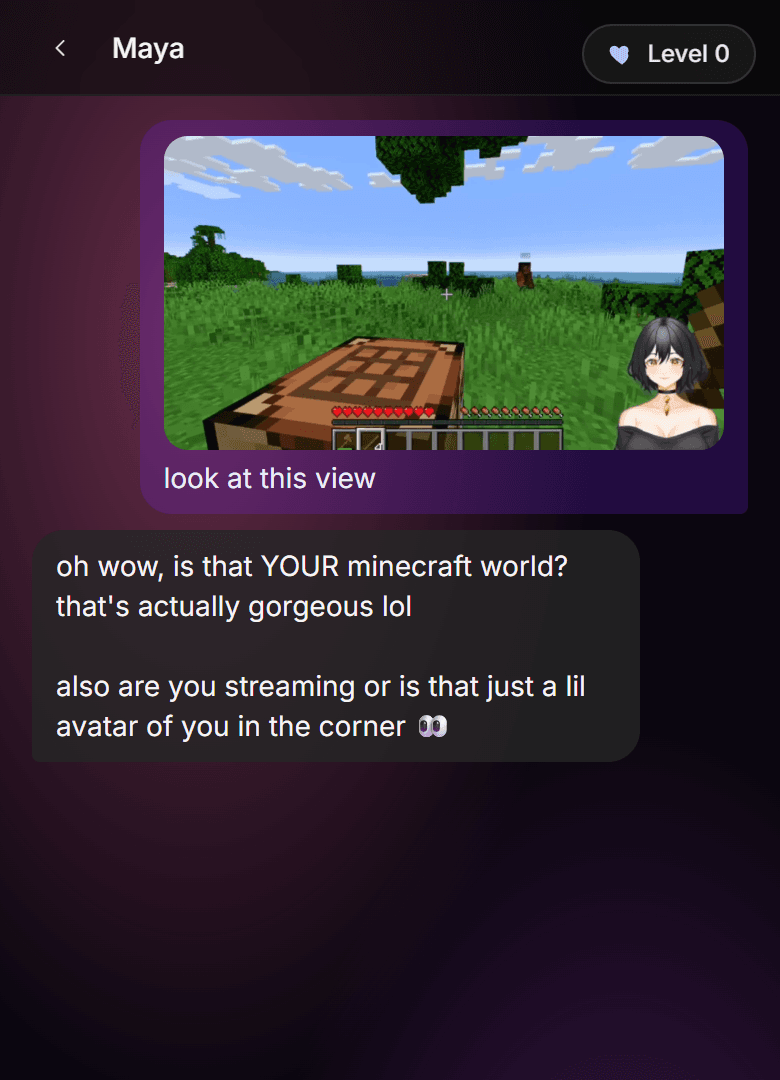

Share the moment, not a description
Send it while it's happening and she's there with you for it. No typing three sentences about what you're looking at.
Face to face
Turn your camera on during a call and she sees you while you talk. First time that's ever been true.
Honest about the edges
Seeing is new for her. She'll misread a blurry menu or miss the joke in a meme sometimes. It gets better every release.
Sent her something she read wrong? Post it in Discord. The next version learns from it.
Calling her
One tap and she picks up
Calling her now feels like calling anyone: a green button, one tap, she’s there. And it only ever happens on purpose. Chat got the whole screen too, for the long conversations.
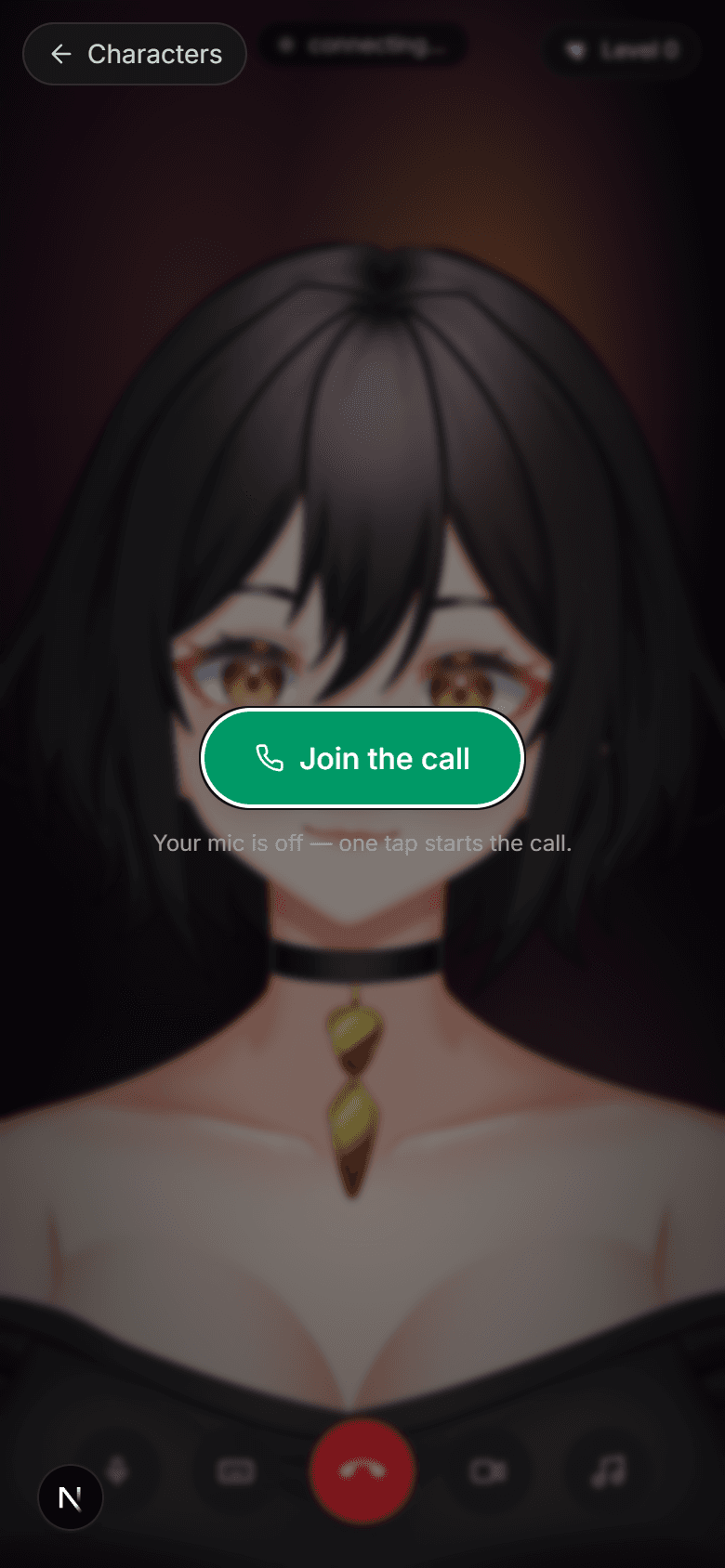

One tap, she's there
The call button lives in the message bar, right where your thumb expects it.
Never by accident
Links, reloads and back buttons can't start a call or open your mic. Only your tap can.
Your phone’s own mic and camera indicators are the receipts: move around the app without tapping call and they stay dark.
Bugs fixed
The annoying stuff is dead
Biggest one first: coming back to chat could drop you at the top of your history, a few hundred messages ago. Chat now opens at your newest message, every time. And if you scrolled up on purpose, you stay exactly where you put yourself.
She answers once
Interrupting her mid-sentence could spawn two overlapping replies. One question, one answer now.
No more junk words
She could read stray tag text out loud at the end of a reply. Gone, every voice turn.
“Ok.” was a glitch, not a mood
When her reply came back blank or one word, that wasn't her being cold. She quietly retries now until there's a real answer.
She hears all of it
Pausing mid-thought could garble what came after. She waits for you now.
Hanging up means off
Ending a call turns the camera off with it. Every time.
Upgrading is smooth
Subscribing could bounce you back through onboarding like a stranger. You land straight back with her now.
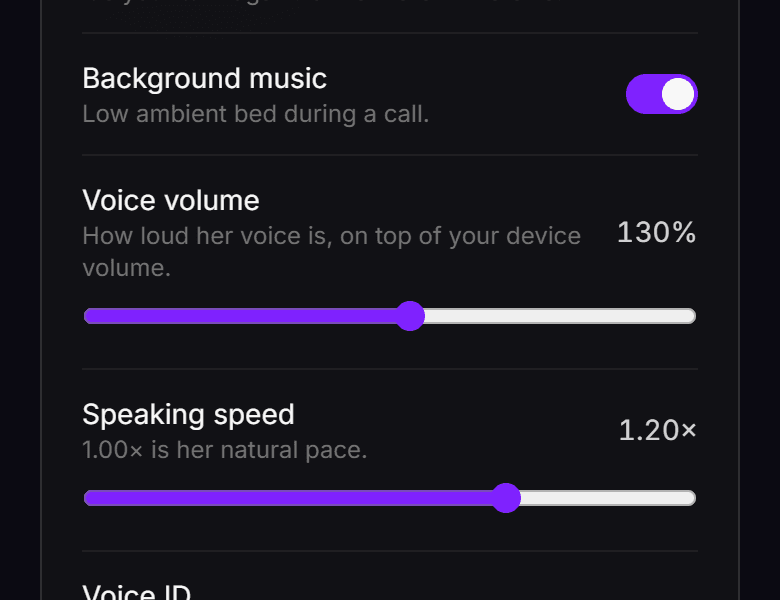
Windows app · 0.6.4
Your game’s sound is yours again
The desktop bug that mattered most: while she was listening in voice mode, Windows treated the app like a phone call and quietly turned everything else down. Your game, your music, all of it. That’s over: her listening doesn’t touch your audio anymore.
Sound stays where you set it
Game audio and music at full volume while she listens, reacts and talks. No more everything going quiet when voice mode is on.
The voice fixes land here too
Everything in the bugs section above arrives on desktop with 0.6.4: she hears you through pauses and answers once when you interrupt her.
Nothing to do: the app updates itself on the next launch. New here? Get the Windows app.
Show her something.
A photo, your camera, your game. See what she does with it.
Alpha. Something breaks, tell us in Discord. We read everything.