What’s new · September 2026
Make your own character. Or start from someone else’s.
The stage where Maya lives is now open. Upload a Live2D model you own, write who they are, and talk to them in text or voice.
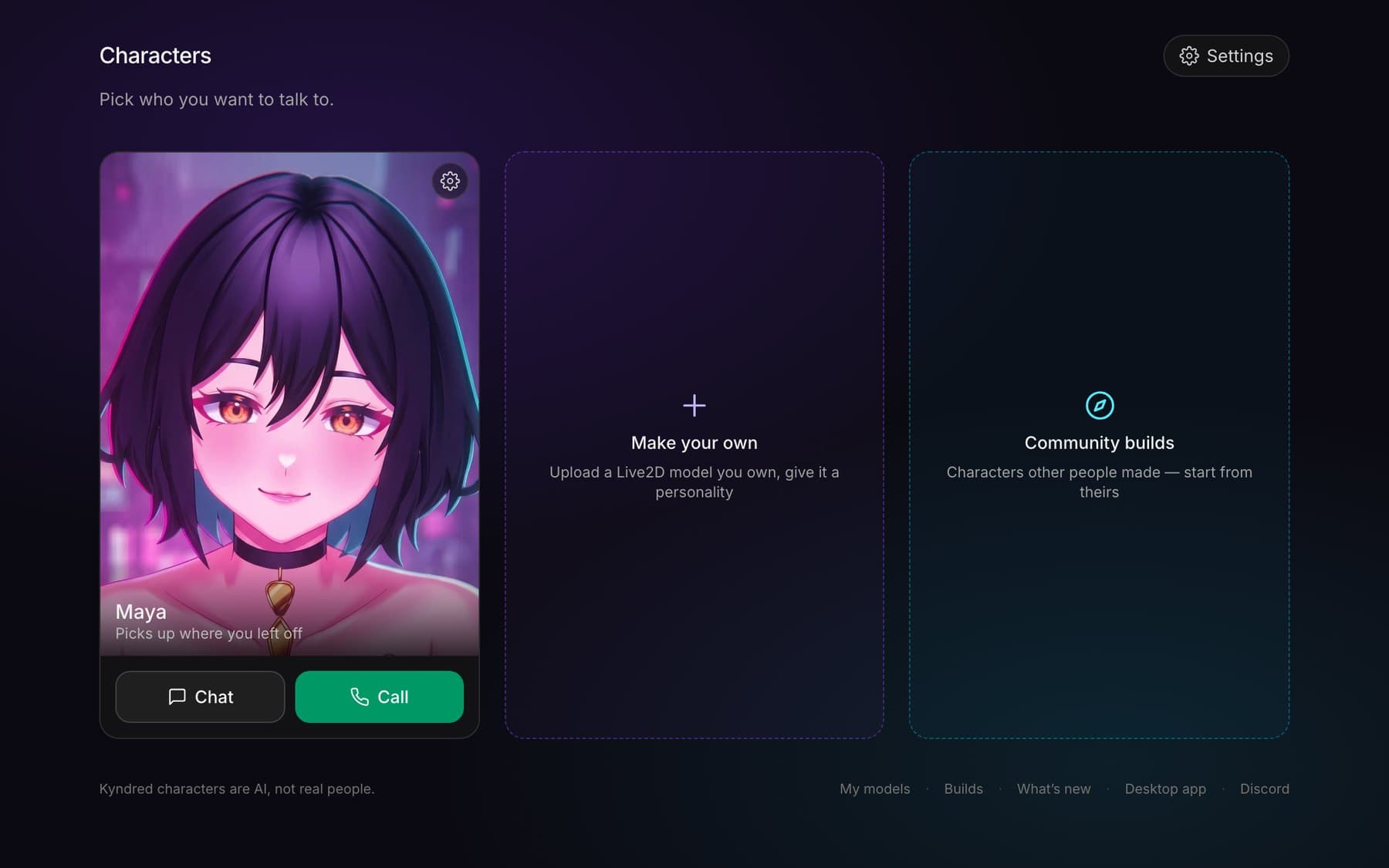
New · Make your own
Bring a model. Leave with a character.
Buy a Live2D model from its artist, or bring the rig you already stream with. Upload your copy, write who they are, and they’re on the stage: moving, speaking, using their own expressions.
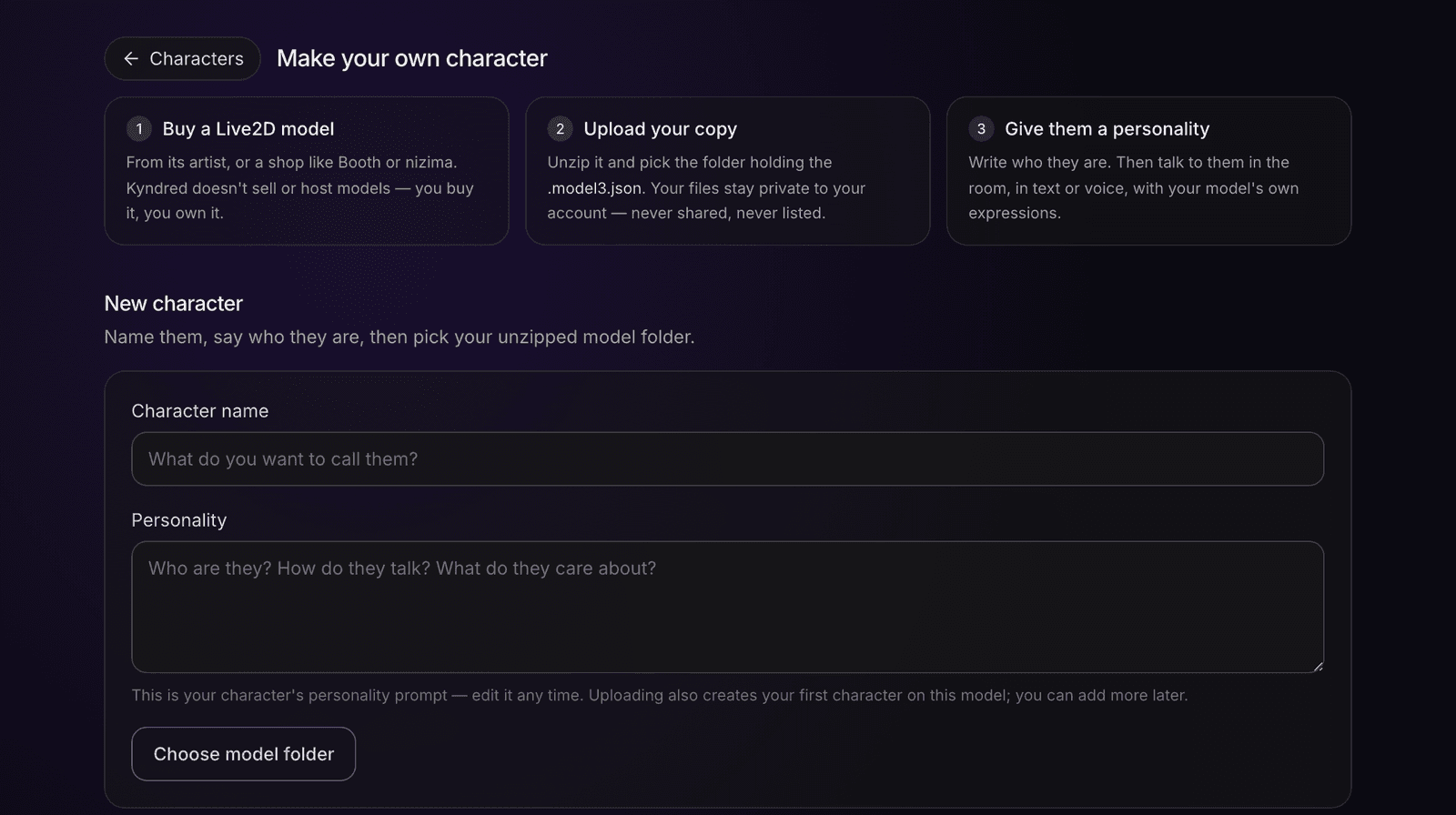
VTube Studio rigs work
Expressions and motions come along, even ones the model file never mentions.
You’ll know before the first hello
Every rig is checked when it arrives, and how well its mouth can speak shows as a badge on the model.
Framing is yours
Set how each model sits on the stage once; every conversation after that opens the way you framed it.
One model, many characters
Up to ten models, up to ten characters on each, and every character gets its own card on your Characters screen.
Uploading needs a computer. Models exported for Cubism 5.2 or newer aren’t supported yet, and a rig with no usable mouth can’t speak; we tell you before the first conversation, not after.
New · Community builds
Start from a character someone else made
A build is a recipe: the personality, plus a link to the exact model its maker bought. Take the recipe, buy the same model from its artist, and the character is yours. Your conversations stay your own.
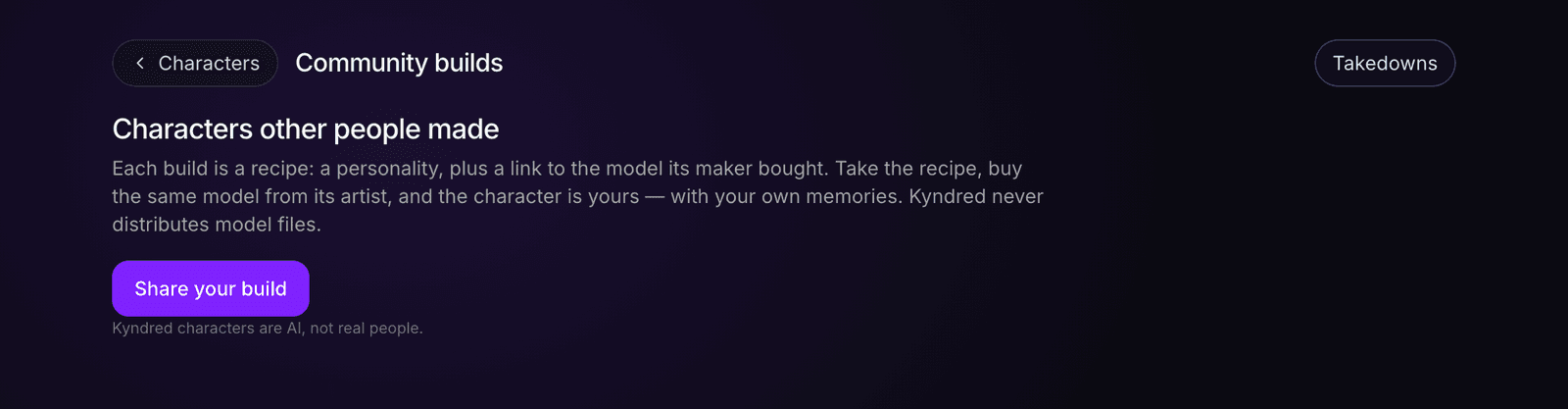
Share your own
A short clip of your character talking, your personality write-up, and the link to the artist’s shop.
Rate what you run
Three scores on every build: the art, the rigging, and how well it performs here.
The page is young: the first builds are being shared now. Yours could be one of them.
How it works · Ownership
The artist always gets paid
Kyndred never sells model files. A build links to the artist’s own shop and you buy straight from them. Your uploads stay private to your account and are never shared with other users.
- Buy from the artist, always
- Your uploads stay private
- A person reviews every build
Nothing goes live on Community builds until someone on the team has looked at it, and there’s a report button if something slips through. A person reads every report.